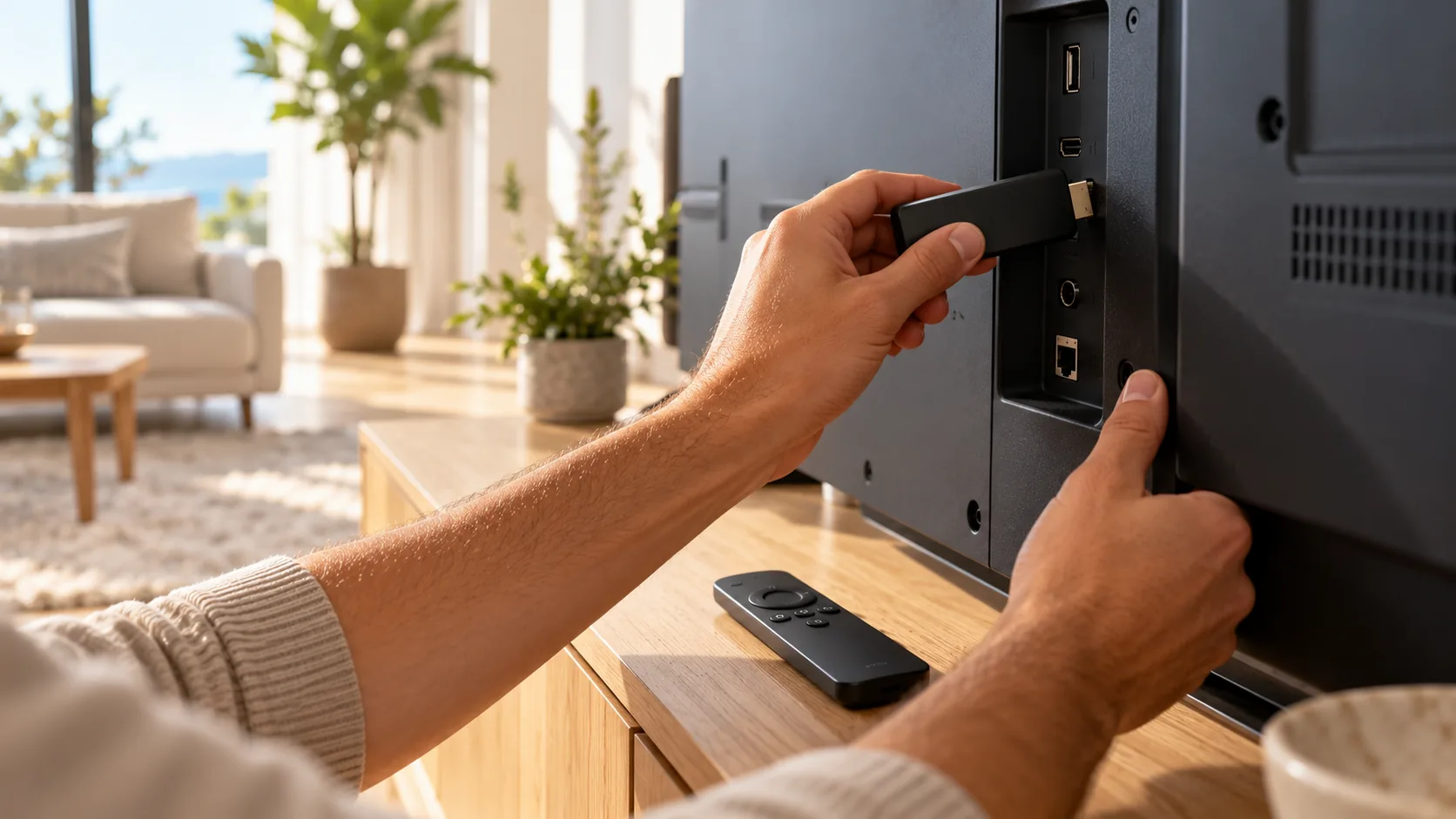
Install CR7 Player on a Fire TV Stick
- 1
Get your IPTV login
Get your IPTV login. After you order or start a free trial with us, we email you an M3U link and an Xtream Codes login (server URL, username and password).
- 2
Install Downloader
On your Fire TV, search for Downloader in the Appstore and install it. It is free.
- 3
Allow unknown apps
Go to Settings, then My Fire TV, then Developer options. Turn on Install unknown apps for Downloader. If you do not see Developer options, open About and click your device name 7 times.
- 4
Download the app file
Open Downloader and enter the download link for the CR7 Player APK published by the developer. Install it when the download finishes.
- 5
Open the app and note your codes
Open CR7 Player and write down the MAC address and device key.
- 6
Activate on the CR Player website
On your phone or computer, open the official CR Player website and go to the device login page. Sign in with the MAC address and device key shown in the app.
- 7
Add your playlist
Choose to add a playlist. Paste the M3U link from our email, or choose Xtream Codes and enter the server URL, username and password. Save.
About Downloader codes
You will find several short Downloader codes for CR7 Player on other websites. None of the codes we checked is published on the developer's official website, and they point to different files.
Because we cannot confirm which code is official, we do not list one. Use only a download link published by the developer, and avoid modified APKs from unknown sites.
Prefer something simpler?
Sideloading works, but it takes extra steps. If you also have an Android TV, Google TV, Apple TV or iPhone, Kyro Player installs from the official store and logs in without MAC activation.
Need channels for your player? Go back to the CR7 Player IPTV home page, compare our IPTV plans or see multi-device plans for the whole family.